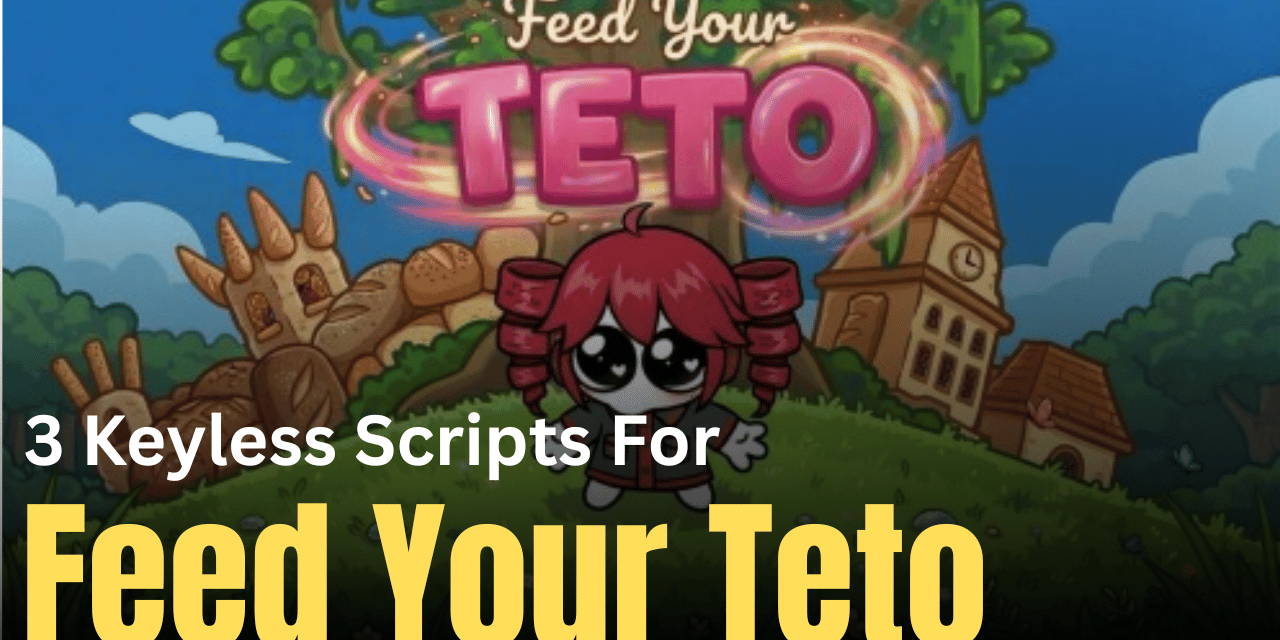

Feed Your Teto is a fun and engaging Roblox game where players collect items, upgrade their progress, and keep improving their gameplay. Since collecting and upgrading can take time, many players use scripts to automate these actions. These scripts help you gather resources faster, click automatically, and boost your progress without constant effort.
01. Auto Upgrade Script – Auto Click & Boost Progress
This script is a simple solution for players who want automatic clicking and upgrades. It runs quickly and focuses on improving your progress speed without needing manual input.
| Feature | Details |
|---|---|
| Auto Click | Clicks automatically for faster progress |
| Auto Upgrade | Upgrades features without manual work |
| Ease of Use | Very simple to execute |
| Performance | Smooth and responsive |
| Access | Key system required |
loadstring(game:HttpGet("https://api.jnkie.com/api/v1/luascripts/public/aa7381076b7a062404bb3f408629be9a5321ed4c7dac8cf10773778667dd17ab/download"))()
02. UST Collector Script – Auto Note Collect & Spawn Control
This is a powerful and unique script that changes how item collection works. Instead of moving around the map, it brings all UST notes directly to you and even moves the spawn zone with your character, making collection extremely fast and efficient.
| Feature | Info |
|---|---|
| Auto Collect | Instantly pulls notes to your position |
| Spawn Control | Moves spawn area with player |
| Hitbox Boost | Enlarged collection range |
| UI Panel | Includes draggable control panel |
| Stop Option | Easily revert changes anytime |
local Players = game:GetService("Players")
local RunService = game:GetService("RunService")
local LocalPlayer = Players.LocalPlayer
local LocalUSTNotes = workspace:WaitForChild("LocalUSTNotes")
local SpawnArea = workspace:WaitForChild("SpawnUSTArea")
local Hitbox = workspace:WaitForChild("UST_Hitbox")local originalCanCollide = SpawnArea.CanCollide
local originalSize = SpawnArea.Size
local originalTransparency = SpawnArea.Transparency
local originalCFrame = SpawnArea.CFrame
local originalSpawnCanQuery = SpawnArea.CanQuerylocal originalHitboxSize = Hitbox.Size
local originalHitboxTransparency = Hitbox.Transparency
local originalHitboxCanQuery = Hitbox.CanQuery
local originalHitboxCanCollide = Hitbox.CanCollideSpawnArea.CanCollide = false
SpawnArea.CanQuery = false
SpawnArea.Size = Vector3.new(4, 4, 4)
SpawnArea.Transparency = 0.9Hitbox.Size = Vector3.new(10, 10, 10)
Hitbox.Transparency = 1
Hitbox.CanCollide = false
Hitbox.CanQuery = falselocal character = LocalPlayer.Character or LocalPlayer.CharacterAdded:Wait()
local rootPart = character:WaitForChild("HumanoidRootPart")local followActive = true
task.spawn(function()
    while followActive do
        SpawnArea.CFrame = rootPart.CFrame
        task.wait(LocalPlayer:GetNetworkPing()*1.14)
    end
end)local noteConnection = LocalUSTNotes.ChildAdded:Connect(function(child)
    character = LocalPlayer.Character or LocalPlayer.CharacterAdded:Wait()
    rootPart = character:WaitForChild("HumanoidRootPart")
    task.wait()
    if child:IsA("BasePart") then
        child.CFrame = rootPart.CFrame + Vector3.new(0, 3, 0)
    elseif child:IsA("Model") then
        if child.PrimaryPart then
            child:SetPrimaryPartCFrame(rootPart.CFrame + Vector3.new(0, 3, 0))
        else
            child:PivotTo(rootPart.CFrame + Vector3.new(0, 3, 0))
        end
    end
end)local screenGui = Instance.new("ScreenGui")
screenGui.Name = "USTCollectorUI"
screenGui.ResetOnSpawn = false
screenGui.Parent = LocalPlayer.PlayerGuilocal frame = Instance.new("Frame")
frame.Size = UDim2.new(0, 200, 0, 70)
frame.Position = UDim2.new(0.5, -100, 0.05, 0)
frame.BackgroundColor3 = Color3.fromRGB(30, 30, 30)
frame.BorderSizePixel = 0
frame.Active = true
frame.Draggable = true
frame.Parent = screenGuilocal corner = Instance.new("UICorner")
corner.CornerRadius = UDim.new(0, 8)
corner.Parent = framelocal title = Instance.new("TextLabel")
title.Size = UDim2.new(1, 0, 0.4, 0)
title.Position = UDim2.new(0, 0, 0, 0)
title.BackgroundTransparency = 1
title.Text = "🎵 UST Collector"
title.TextColor3 = Color3.fromRGB(255, 255, 255)
title.TextScaled = true
title.Font = Enum.Font.GothamBold
title.Parent = framelocal stopButton = Instance.new("TextButton")
stopButton.Size = UDim2.new(0.85, 0, 0.45, 0)
stopButton.Position = UDim2.new(0.075, 0, 0.5, 0)
stopButton.BackgroundColor3 = Color3.fromRGB(200, 50, 50)
stopButton.Text = "Stop & Revert"
stopButton.TextColor3 = Color3.fromRGB(255, 255, 255)
stopButton.TextScaled = true
stopButton.Font = Enum.Font.GothamBold
stopButton.BorderSizePixel = 0
stopButton.Parent = framelocal btnCorner = Instance.new("UICorner")
btnCorner.CornerRadius = UDim.new(0, 6)
btnCorner.Parent = stopButtonstopButton.MouseButton1Click:Connect(function()
    followActive = false
    noteConnection:Disconnect()    SpawnArea.CanCollide = originalCanCollide
    SpawnArea.CanQuery = originalSpawnCanQuery
    SpawnArea.Size = originalSize
    SpawnArea.Transparency = originalTransparency
    SpawnArea.CFrame = originalCFrame    Hitbox.Size = originalHitboxSize
    Hitbox.Transparency = originalHitboxTransparency
    Hitbox.CanQuery = originalHitboxCanQuery
    Hitbox.CanCollide = originalHitboxCanCollide    screenGui:Destroy()
    print("UST Collector stopped and reverted.")
end)
03. Luminis Hub Script – Fast Auto Click & Upgrade System
This script is a feature-packed hub that focuses on fast clicking and automatic upgrades. It’s useful for players who want continuous progress without needing to interact constantly.
| Feature | Description |
|---|---|
| Auto Click | Very fast clicking system |
| Auto Upgrade | Upgrades automatically |
| Extra Tools | Includes additional helpful features |
| Performance | Optimized for smooth gameplay |
| Access | Requires key system |
loadstring(game:HttpGet("https://api.luarmor.net/files/v4/loaders/24df4399c3458d81346da5dda02fe1d1.lua"))()
How to Use These Scripts
- Download and install a Roblox executor compatible with your device
- Open Feed Your Teto and join a game
- Copy any script you want to use
- Paste the script into your executor
- Run the script using the execute button
- Wait for the script interface or features to activate
- Enable options like auto collect or auto upgrade
- Monitor the script and adjust if needed
Benefits of Using Scripts in Roblox
Scripts can greatly improve your experience by automating repetitive tasks like collecting and clicking. They help you progress faster, reduce effort, and make gameplay more relaxing. Instead of spending hours grinding manually, you can let the script handle the work while you focus on enjoying new upgrades and features in the game.