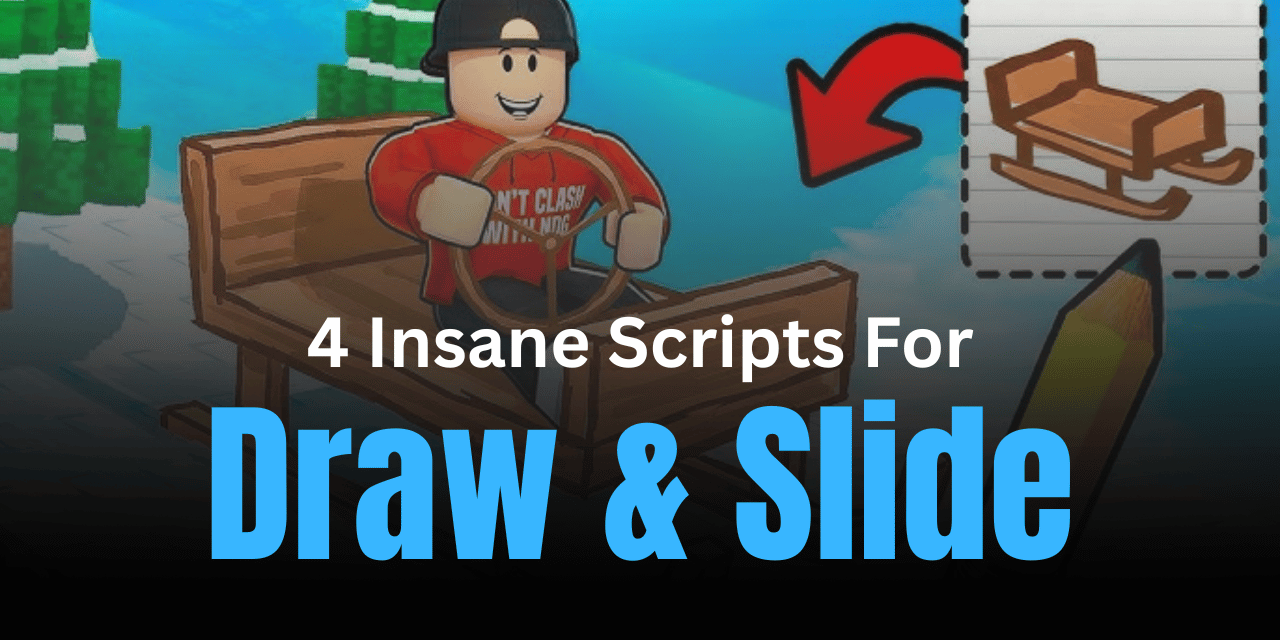

Draw & Slide is a fun Roblox game where players draw paths and move through tricky obstacles to reach rewards. While the gameplay is simple, progressing quickly can take time and effort. That’s where scripts come in—they help automate actions, unlock rewards faster, and make the experience much smoother for beginners and advanced players alike.
01. Infinite Money and Wins – Ultra Fast Loop Script
This script is designed for players who want maximum speed and efficiency. It uses a fast loop system that triggers wins continuously, helping you earn rewards much quicker than normal gameplay. It’s simple but very effective.
| Feature | Details |
|---|---|
| Infinite Wins | Continuously triggers win events automatically |
| Fast Execution | Uses RenderStepped for high-speed performance |
| Money Farming | Generates in-game currency alongside wins |
| Lightweight Script | Simple code with strong performance |
| Adjustable Speed | Can run faster if executed multiple times (with caution) |
local wow = game:GetService("RunService")
local monah = game:GetService("ReplicatedStorage").Events.RequestWin
wow.RenderStepped:Connect(function()
    monah:FireServer()
end)
02. Banners Hub Script – Auto Teleport & Safe Platform
This script focuses on mobility and safety. It allows you to teleport directly to the winning area and stand safely without taking damage, which is perfect for avoiding obstacles.
| Feature | Details |
|---|---|
| Auto Teleport | Instantly moves your character to the win zone |
| Block Position | Lets you stand safely without damage |
| Easy Navigation | Skips difficult paths and obstacles |
| Beginner Friendly | Very simple to use and understand |
loadstring(game:HttpGet("https://raw.githubusercontent.com/mbmb709/Draw-slide-script/refs/heads/main/README.md"))()
03. TAKUCARE Script – Simple Utility Script
This script is a general-purpose tool for Draw & Slide players. While it doesn’t list many features, it is useful for basic automation and improving gameplay flow.
| Feature | Details |
|---|---|
| General Utility | Helps improve basic gameplay actions |
| Smooth Execution | Runs easily with minimal setup |
| Beginner Use | Suitable for new players testing scripts |
| Quick Load | Executes instantly with Lua |
loadstring(game:HttpGet("https://raw.githubusercontent.com/erafonexyz1-dot/taku/refs/heads/main/file_22.txt"))()
04. Auto Win Script – Unlimited Chest Rewards
This script is perfect for farming rewards. It allows you to repeatedly open the end chest, giving you unlimited chances to collect items and boost your progress.
| Feature | Details |
|---|---|
| Auto Win | Instantly completes rounds |
| Chest Farming | Open end chest multiple times |
| Reward Boost | Helps collect items quickly |
| Simple Execution | Easy Lua loadstring setup |
loadstring(game:HttpGet("https://pastebin.com/raw/6RkAY0cu"))()
How to Use These Scripts
- Launch Roblox and open Draw & Slide.
- Copy any script you want to use.
- Open your preferred Lua executor.
- Paste the script into the executor window.
- Click execute and wait for it to activate.
- Check for any on-screen options or features.
- If something doesn’t work, try re-running the script or switching servers.
Benefits of Using Scripts in Roblox
Using scripts in Draw & Slide can save a lot of time by automating repetitive tasks like farming wins or collecting rewards. They also make gameplay easier by removing difficult obstacles and improving movement. For many players, scripts open up new ways to enjoy the game, experiment with features, and progress faster without grinding for hours.