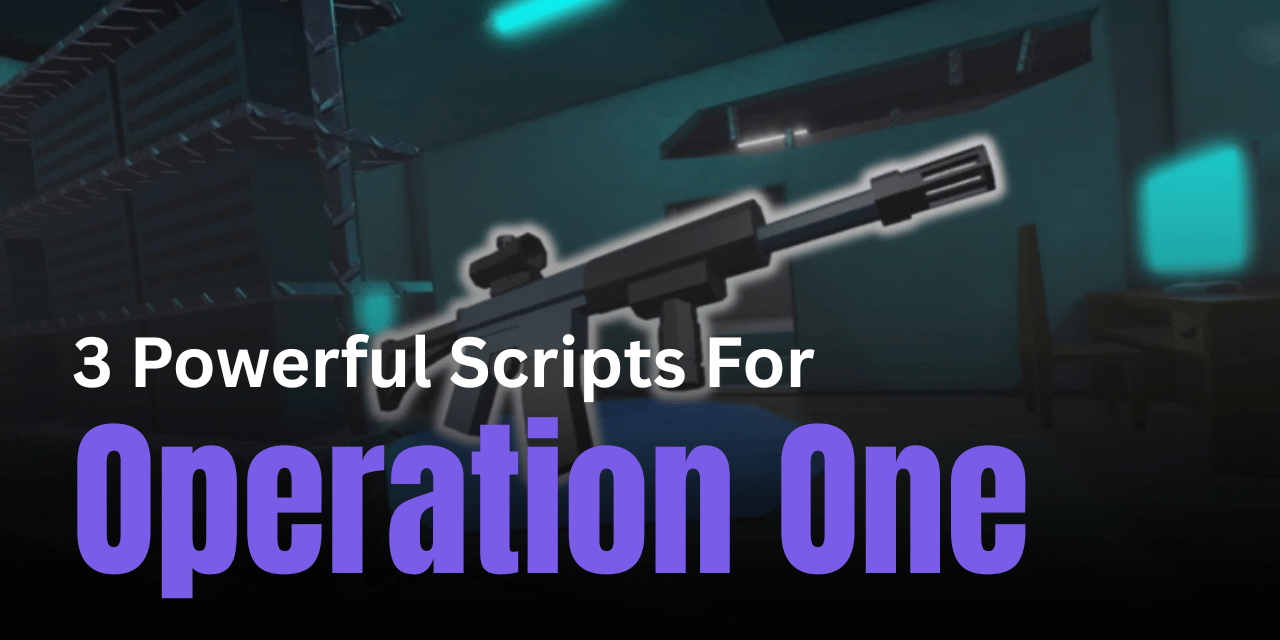

Operation One [MAP CHANGES] is a shooting-based Roblox game where accuracy and control play a huge role in winning. Players often need fast reactions and steady aim to perform well. That’s where scripts can help. These scripts are designed to improve combat performance by reducing recoil, adding aimbot features, and giving players better movement control.
01. OP Free Script – Aimbot, Noclip & Hitbox Expander
This script is built for players who want a strong advantage in combat. It includes features like aimbot for better targeting, noclip for free movement, and hitbox expansion to make enemies easier to hit. It’s a simple all-in-one script for aggressive gameplay.
| Feature | Details |
|---|---|
| Script Type | Lua |
| Combat | Aimbot enabled |
| Movement | Noclip support |
| Hitbox | Expanded enemy hitboxes |
| Usage | Easy to run |
| Focus | Offensive gameplay boost |
loadstring(game:HttpGet("https://rscripts.net/raw/op-free-operation-one-script_1759797441253_e7vdE089g4.txt",true))()
02. RingZero Script – ESP & Smart Aimbot System
This script focuses on awareness and precision. With ESP features like box and skeleton view, players can easily track enemies. The aimbot activates with mouse input, giving better control during fights without constant automation.
| Feature | Details |
|---|---|
| Script Type | Lua |
| ESP | Box and skeleton visuals |
| Aimbot | Manual activation (mouse-based) |
| Control | More user-controlled aiming |
| Gameplay | Balanced enhancement |
| Setup | Quick execution |
loadstring(game:HttpGet("https://raw.githubusercontent.com/twisterstrialfraud/ring-zero-loader/refs/heads/main/yes.lua"))()
03. No Recoil Script – Custom Gun Control
This script is focused on improving weapon stability. It removes recoil completely or allows custom recoil settings, giving players smoother shooting. It works by modifying internal functions, making gun handling more controlled and accurate.
| Feature | Details |
|---|---|
| Script Type | Lua |
| Core Function | Removes recoil |
| Customization | Adjustable recoil values |
| Performance | Smooth shooting experience |
| Compatibility | Works with supported executors |
| Focus | Accuracy improvement |
run_on_actor(getactors()[1], [==[-- change this for custom recoil
local recoil_x = 0
local recoil_y = 0
    local old_tweenInfo_new = clonefunction(TweenInfo.new)
    hookfunction(TweenInfo.new, newcclosure(function(...)
        if debug.info(3, "n") == "recoil_function" then
            setstack(3, 5, getstack(3, 5) * recoil_x)
            setstack(3, 6, getstack(3, 6) * recoil_y)
        end
        return old_tweenInfo_new(...)
    end))
]==])
How to Use These Scripts
- Install a Roblox executor that supports advanced scripts
- Launch Roblox and open Operation One [MAP CHANGES]
- Copy the Lua script you want to use
- Paste it into the executor interface
- Click execute to inject the script into the game
- Adjust settings if the script allows customization
- Test features in-game to understand how they work
- If any errors occur, try another executor or restart the session
Benefits of Using Scripts in Roblox
Scripts can greatly improve your performance in shooting games by enhancing accuracy and reducing manual effort. Features like no recoil and aimbot allow better control during combat, while ESP helps track enemies more easily. These tools can make gameplay faster, smoother, and more competitive, especially for players who want to improve their overall experience without spending too much time practicing basic mechanics.