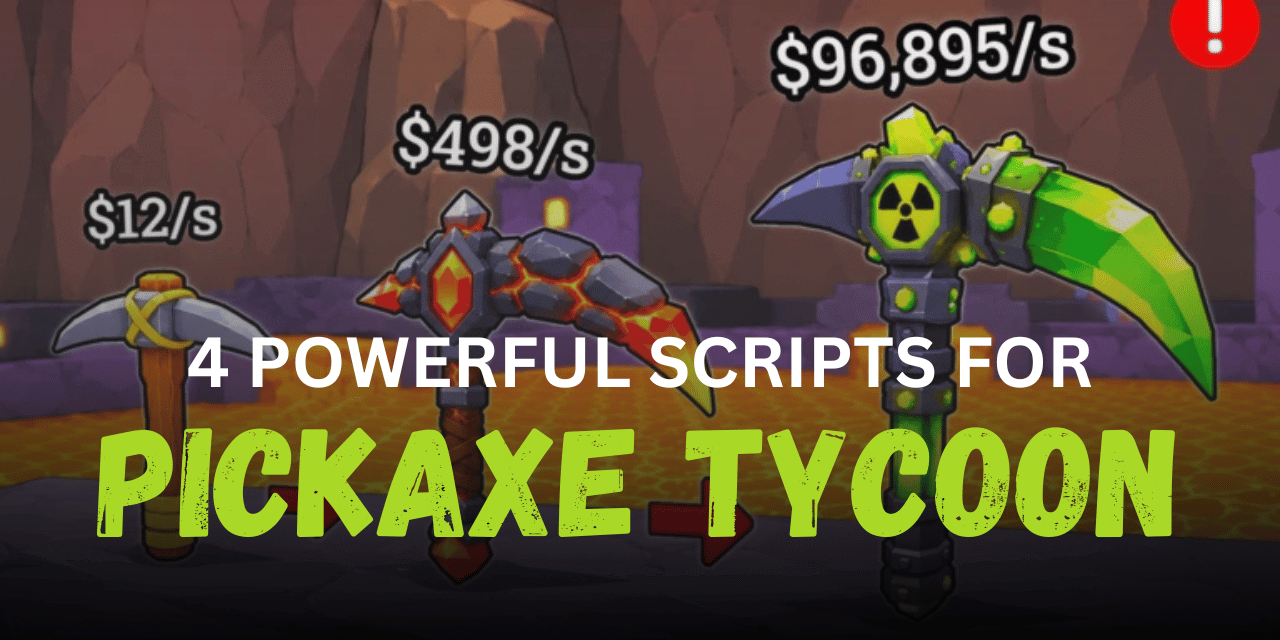

Roblox players in Pickaxe Tycoon spend a lot of time collecting ores, upgrading tools, and growing their mining setup. Scripts can make many of these tasks easier by automating collecting, selling, upgrading, and chest handling. The scripts below include different automation systems that help players save time and manage their tycoon more smoothly.
01. SwyHub Lua Script – Auto Farm, Auto Loot & Tycoon Automation
This advanced Lua script is built for players who want full automation with many extra tools. It includes farming systems, chest controls, teleport options, movement tools, and live tracking features. The interface is modern and designed for long gameplay sessions with less manual work.
| Feature | Details |
|---|---|
| Auto Buy Pickaxe | Automatically purchases pickaxes in different amounts |
| Auto Merge | Merges pickaxes into stronger tiers |
| Auto Loot Pickup | Collects nearby ores automatically |
| Auto Sell | Deposits and sells ores automatically |
| Chest Automation | Unlocks and filters chests |
| Reward Collection | Claims rewards and bonuses automatically |
| Teleports | Quick travel to important game locations |
| Anti AFK | Prevents idle disconnects |
| Movement Tools | WalkSpeed, JumpPower, Infinite Jump and Noclip |
loadstring(game:HttpGet("https://swyhub.site/exec"))()02. Auto Collect and Auto Process Lua Script
This Lua script focuses on smooth ore processing and pickaxe upgrades. It also includes ore multiplier filters which can help players manage deposits more efficiently while upgrading their mining setup automatically.
| Included Function | Description |
| Auto Collect | Picks up ores automatically |
| Ore Multiplier Filter | Supports multiple ore multiplier settings |
| Auto Deposit | Deposits ores automatically |
| Auto Collect Button | Automatically activates collection buttons |
| Auto Upgrade Process | Upgrades processing systems |
| Auto Buy Pickaxe | Buys pickaxes in bulk |
| Auto Merge Pickaxe | Combines pickaxes for progression |
loadstring(game:HttpGet("https://raw.githubusercontent.com/X5Dermaster/Other-Script/refs/heads/main/PickaxeTycoon"))()03. KeyLess AutoFarm Auto Sell and Chests Lua Script
This keyless Lua script is designed for simple automation with quick setup. It includes automatic selling, chest handling, forge upgrades, and live tracking information for players who want easier progression.
| Main Feature | Usage |
| Auto Loot Pickup | Automatically gathers loot |
| Auto Forge Upgrade | Handles forge merging and upgrades |
| Auto Sell | Sells items at selected multiplier |
| Auto Chest Pickup | Picks up nearby chests |
| Auto Unlock Chest | Opens collected chests |
| Auto Buy Pickaxe | Supports bulk purchasing |
| Plot Detection | Detects player plot automatically |
| Live Stats Display | Shows cash and multiplier updates |
loadstring(game:HttpGet("https://raw.githubusercontent.com/Baltazarexe/Pickaxe-Tycoon/refs/heads/main/Pickaxe_Tycoon.lua"))()04. Collect Loot and Collect Money Lua Script
This automation Lua script includes money collection, orb depositing, upgrades, and chest management tools. It is useful for players who want balanced automation while keeping their mining progress active.
| Feature System | Purpose |
| Auto Collect Loot | Gathers loot around the player |
| Auto Collect Money | Picks up money automatically |
| Deposit Orb | Deposits collected orbs |
| Auto Buy Selected | Purchases selected upgrades |
| Auto Merge | Combines equipment automatically |
| Auto Chest Collection | Picks up chests |
| Auto Unlock Chest | Opens chests automatically |
| Auto Discard Chest | Removes unwanted chest types |
loadstring(game:HttpGet("https://7yd7.pages.dev/"))()How to Use These Scripts
- Download and open a Roblox script executor that supports Lua scripts.
- Launch Pickaxe Tycoon and join the game normally.
- Copy the script you want to use from the sections above.
- Paste the Lua code into your executor window.
- Attach or inject the executor into Roblox.
- Run the script and wait for the menu or GUI to appear.
- Turn on the features you want like Auto Farm or Auto Sell.
- Test settings carefully to make sure everything works correctly.
- If a feature stops working, try rejoining the server or using the latest script version.
Benefits of Using Scripts in Roblox
Faster Farming
Scripts help collect ores and loot much faster without constant clicking.
Easy Money Collection
Automatic money pickup keeps your tycoon growing continuously.
Less Grinding
Players can avoid repeating the same mining tasks again and again.
Automatic Upgrades
Many scripts upgrade tools and merge items without manual work.
Better Chest Handling
Chest automation helps open rewards quickly and removes unwanted items.
Improved Gameplay Flow
Automation makes the overall experience smoother and more relaxing.
Useful Extra Tools
Teleport systems, Anti AFK, and movement settings add more control during gameplay.