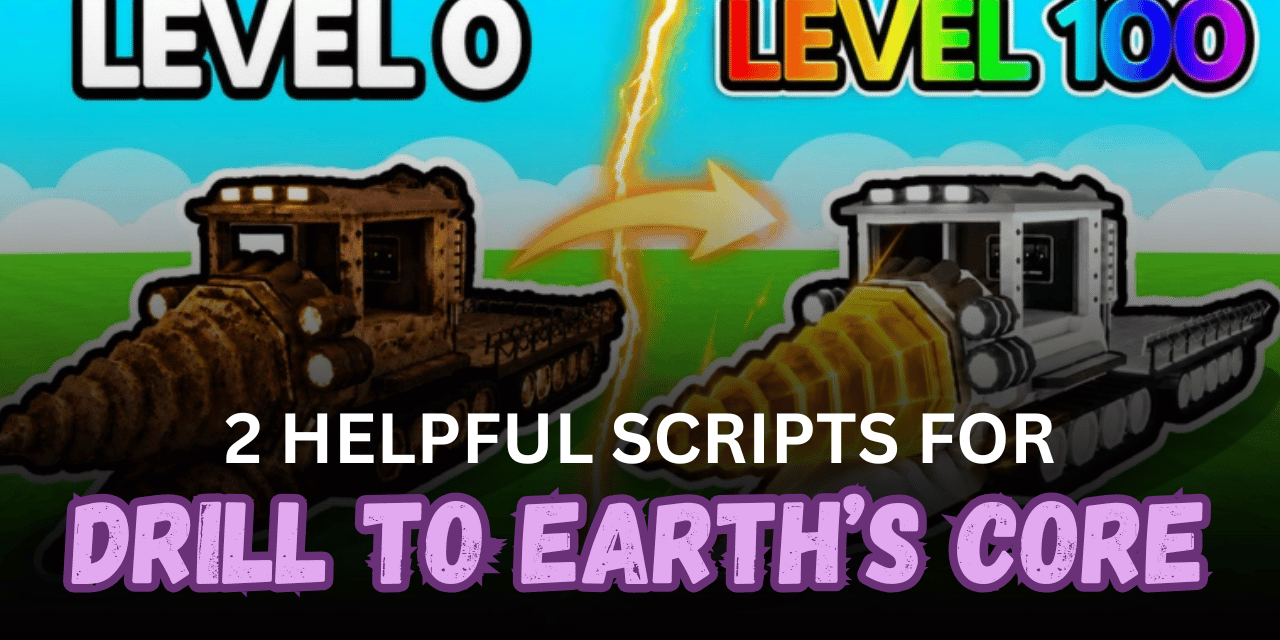

Drill to Earth’s Core is a Roblox mining game where players travel deeper underground, collect ores, open chests, improve their drilling progress, and unlock new layers. Finding valuable materials and moving between distant areas can take time, especially when players repeatedly search for loot or return to shops.
The scripts below provide features such as Ore ESP, Auto Harvest, Auto Collect, chest teleports, saved locations, Walkspeed, Fly, and Noclip. Both scripts are keyless, but each one has a different purpose. One offers a large automation and combat menu, while the other focuses on navigation, lighting, and simple movement tools.
01. Teleporter and Movement Script – Shop Teleports, Saved Locations & Lighting
This open script is designed for players who want easier map travel without using a large automation hub. It can teleport to shops available within the player’s unlocked depth, save custom locations, improve lighting, and adjust movement speed.
| Feature | Details |
|---|---|
| Shop Teleports | Teleports to shops available in unlocked map layers |
| Depth-Based Locations | Shows teleport points based on owned meter progress |
| Save Location | Stores the player’s current position |
| Return to Location | Teleports back to a previously saved position |
| Delete Saved Point | Removes unwanted saved locations |
| Walkspeed | Adjusts character movement speed |
| Lighting Tools | Changes lighting for clearer underground visibility |
| Minimize Interface | Press Q to hide or show the menu |
| Editable Script | Source can be changed or expanded |
| No Key | Does not require a key system |
loadstring(game:HttpGet("https://rscripts.net/raw/teleporter-lighting-and-walkspeed_1783079708850_m1uMNlojEn.txt",true))()02. Drill Beta Script – Ore ESP, Auto Harvest & Advanced Movement
This keyless beta script includes a large collection of mining, collection, targeting, teleport, and movement features. Players can locate ores using ESP, automatically harvest nearby resources, collect items, teleport to chests, and move underground using Fly or Noclip.
| Feature | Details |
| Ore ESP Beta | Highlights supported ores underground |
| Ore Tracers | Draws lines toward detected ores |
| ESP Filters | Limits which nametags are shown |
| Glow ESP | Adds an outline or glow to detected targets |
| Auto Swing | Automatically swings the equipped tool |
| Auto Harvest | Automatically harvests nearby resources |
| Harvest Radius | Changes the harvesting detection range |
| Auto Collect | Collects supported items automatically |
| Chest Scan Radius | Changes how far the script searches for chests |
| Teleport to Drill | Moves directly to the drill |
| Infinite Air Jump | Allows repeated jumping in the air |
| Keyless Access | Runs without a key verification process |
Tested Executor: Delta.
loadstring(game:HttpGet("https://raw.githubusercontent.com/2c2s/DrillBeta/main/drillBeta.txt"))()How to Use These Scripts
- Open Roblox and launch Drill to Earth’s Core.
- Wait until your character, drill, ores, shops, and underground layer have fully loaded.
- Start a compatible Roblox Lua executor.
- Copy the complete Lua code from one of the sections above.
- Paste the script into the executor’s editor.
- Press the execute button and wait for the menu to appear.
- Enable Ore ESP or lighting tools first to confirm the script loaded correctly.
- Select a reasonable scan radius before using chest or ore detection.
- Stand near a mining area before enabling Auto Swing or Auto Harvest.
- Add unwanted resources to the blacklist before activating Auto Collect.
- Save your current position before testing long-distance teleports.
- Increase Walkspeed, Flight Speed, and harvest radius gradually.
- Rejoin the game and execute the loader again if a game update causes the menu to stop working.
Benefits of Using Scripts in Roblox
Faster Ore Discovery
Ore ESP, nametags, tracers, and glow effects make underground resources easier to locate. Players can spend less time searching through empty tunnels.
Automatic Mining Actions
Auto Swing and Auto Harvest can repeat tool actions without constant clicking. Adjustable radius and cooldown settings also give players more control over the farming speed.
Quicker Chest Collection
Chest scanning and Auto Loot features help locate nearby rewards and move directly to them. This can make underground loot farming more efficient.
Simpler Item Management
Auto Collect gathers supported drops automatically, while the blacklist prevents unwanted items from being collected. This helps keep farming focused on useful resources.
Easier Underground Travel
Fly, Noclip, Infinite Air Jump, and Walkspeed tools make it easier to move through large mining layers. Players can reach drills, shops, and chest locations more quickly.
Useful Custom Teleports
Saved locations allow players to mark important areas and return to them later. Shop teleports also reduce the time needed to climb back through previously unlocked layers.
Better Visibility
Lighting controls and Ore ESP improve visibility in dark underground areas. This can make mining routes clearer and reduce the chance of missing valuable resources.
Flexible Automation Settings
Radius, cooldown, speed, filters, and blacklist options allow players to adjust how the script behaves. This makes the setup more suitable for different depths and farming goals.
Mobile-Friendly Option
The Drill Beta script is listed as supporting mobile devices. This gives mobile users access to several mining, teleport, ESP, and movement tools.
Quick Keyless Setup
Both scripts load without an extra key process. Players can open the menu directly after executing the Lua code.