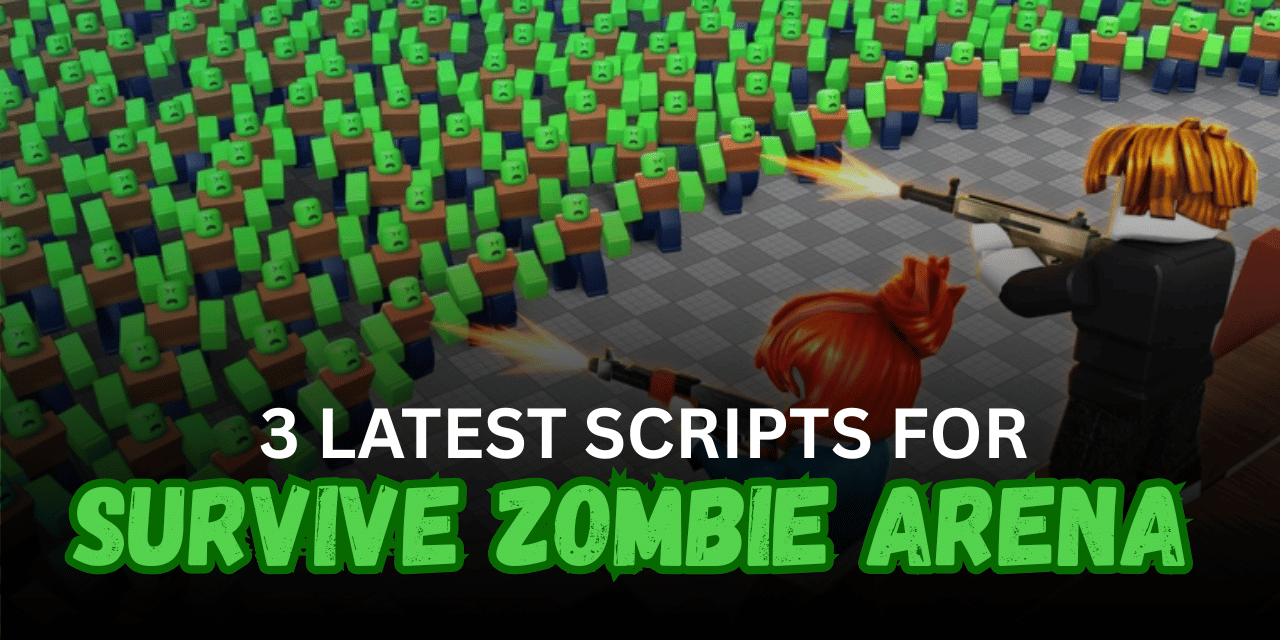

Survive Zombie Arena is a Roblox survival game where players fight large groups of zombies, clear waves, upgrade weapons, and improve their character to survive longer. As the rounds become harder, players must manage health, movement, abilities, and repeated combat actions.
The scripts below provide features such as Instant Clear Wave, Auto Farm, Kill Aura, Safe Zone, Teleports, Fly, and automatic upgrades. Each script offers a different setup, from a focused wave-farming tool to a larger keyless hub with several movement and utility options.
01. Instant Clear Wave Script – Auto Farm, Kill Aura & Safe Zone
This keyless Lua script is focused on completing zombie waves quickly. Instant Clear Wave and Auto Wave Farm reduce repeated combat, while Kill Aura attacks nearby enemies automatically. It also includes health, weapon, and ability upgrades for stronger survival support.
| Feature | Details |
|---|---|
| Instant Clear Wave | Quickly clears supported zombie waves |
| Auto Wave Farm | Repeats waves automatically |
| Kill Aura | Attacks nearby zombies without manual targeting |
| Safe Zone | Moves or keeps the player in a safer farming area |
| Walk Speed | Adjusts character movement speed |
| Heal Upgrade | Purchases or improves supported healing upgrades |
| Weapon Upgrade | Improves the equipped weapon automatically |
| E Skill | Activates the supported E ability |
| R Skill | Uses the supported R ability |
| Q Skill | Activates the supported Q ability |
| Smooth Farming | Designed for continuous wave progression |
| Keyless Access | Does not require a key system |
| Mobile Support | Listed as compatible with mobile devices |
Supported Executors: Volt, Potassium, and Delta.
loadstring(game:HttpGet("https://raw.githubusercontent.com/gumanba/Scripts/main/SurviveZombieArena"))()02. Kadence Hub – Auto Farm, Teleports & Fly
Kadence Hub is a keyless multi-feature script designed for farming and moving around the arena. The listing confirms Auto Farm, Teleports, Fly, and additional tools inside the menu, making it suitable for players who want both automation and movement features.
| Feature | Details |
| Auto Farm | Automates supported zombie-farming actions |
| Teleports | Moves the player to selected arena locations |
| Fly | Allows free movement through the air |
| Multi-Feature Menu | Includes additional utilities inside the hub |
| Wave Support | Helps reduce repeated actions during zombie rounds |
| Easy Loader | Runs through a single Lua command |
| Keyless | Loads without a verification key |
| Mobile Compatible | Listed as supporting mobile devices |
| Broad Executor Support | Tested with several popular executors |
Supported Executors: Volt, Potassium, Wave, Delta, Codex, OpiumWare, Real, Synapse Z, and Seliware.
loadstring(game:HttpGet("https://api.jnkie.com/api/v1/luascripts/public/79d428ec9ca397d6a9951c95dfd7f27da8b997b325f76db8c3133ea5816b9ce8/download"))()03. Polluted Hub – Keyless Zombie Arena Menu
This Lua script is another keyless hub made for Survive Zombie Arena. The supplied listing does not include a complete feature breakdown, so the exact tools available inside the menu are not confirmed. It can still be tested as an alternative loader for players looking for a different script interface.
| Feature | Details |
| Survive Zombie Arena Support | Designed for the zombie survival game |
| Multi-Option Hub | Loads a menu with multiple tools |
| Keyless Access | Does not require a key system |
| Simple Execution | Starts with one Lua loader |
| Alternative Menu | Provides another option beside larger farming hubs |
| Feature List Unconfirmed | Full functions were not included in the listing |
| Mobile Status | Mobile compatibility was not tested |
loadstring(game:HttpGet("https://api.luarmor.net/files/v4/loaders/f7750862cc1392f8fe69d0e8df82fccc.lua"))()How to Use These Scripts
- Open Roblox and launch Survive Zombie Arena.
- Wait until your character, weapons, abilities, and current wave have fully loaded.
- Start a compatible Roblox Lua executor.
- Copy the full Lua code from one of the script sections.
- Paste the code into the executor’s script editor.
- Press the execute button and wait for the script menu to appear.
- Enable Auto Farm or Kill Aura first to check that the loader is working.
- Enter an active wave before using Instant Clear or ability automation.
- Keep enough upgrade currency before enabling Heal or Weapon Upgrade.
- Test Teleport and Fly separately before using them during combat.
- Increase Walk Speed gradually to avoid unstable movement.
- Rejoin the game and execute the script again if a game update stops the menu from loading.
Benefits of Using Scripts in Roblox
Faster Wave Completion
Instant Clear and Auto Wave Farm can reduce the time needed to defeat repeated zombie groups. This helps players move through rounds more quickly.
Automatic Zombie Attacks
Kill Aura can attack enemies that enter the selected range. Players do not need to manually target every zombie during crowded waves.
Easier Upgrade Management
Automatic healing and weapon upgrades can improve the character as resources become available. This reduces repeated visits to upgrade menus.
Better Survival Support
Safe Zone, Fly, Teleports, and Walk Speed tools can help players avoid dangerous zombie groups. These features also make arena movement easier.
Quicker Ability Use
Automatic E, R, and Q skill activation can use supported abilities during combat. This reduces the need to press several controls repeatedly.
Less Repetitive Farming
Auto Farm handles many repeated wave actions during long sessions. Players can collect progression rewards with less constant input.
Flexible Script Selection
Players can choose a focused Instant Clear script, a larger movement hub, or an alternative keyless menu. Each option supports a different type of gameplay setup.
Simple Keyless Setup
All three scripts are listed as keyless. They can be loaded without completing an extra advertisement or verification process.