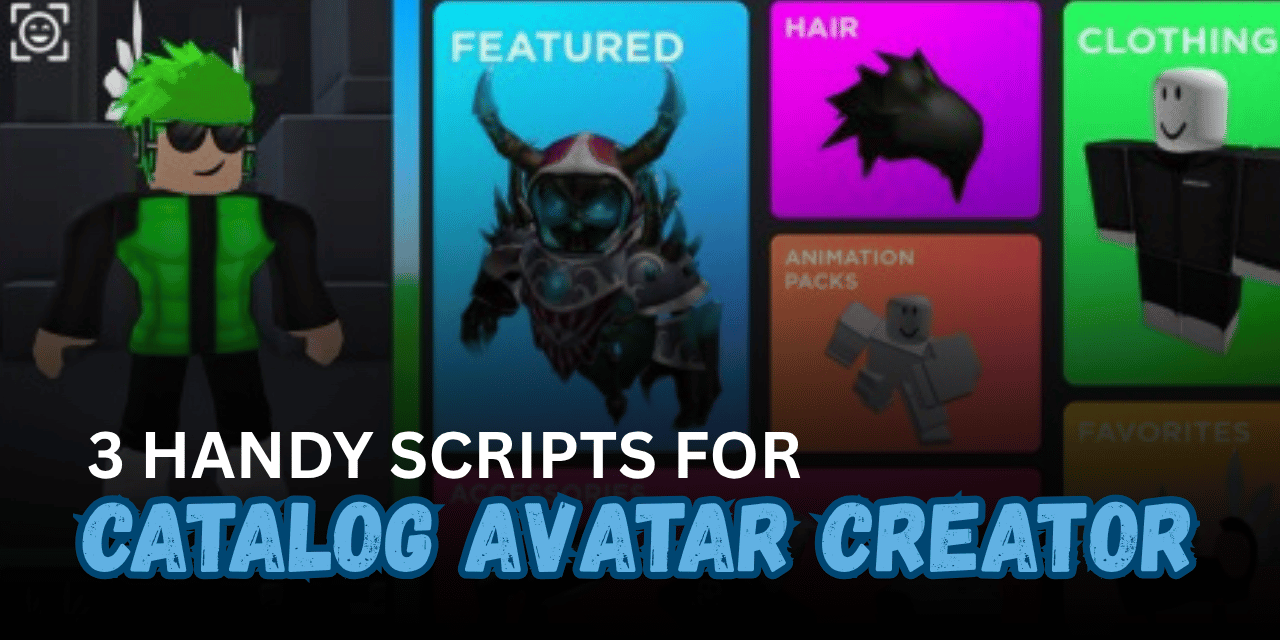

Roblox Catalog Avatar Creator gives players an expansive sandbox to try on millions of accessories, test layered clothing combinations, and design unique custom avatars. Searching through massive item lists and manually recreating other players’ outfits can take a lot of time. Custom Lua scripts streamline avatar customization by letting you instantly copy looks, export outfits directly to Discord webhooks, and manage saved styles with ease.
01. Proximity Avatar Stealer – Instant Outfit Copier (Lua)
This open-source tool allows you to instantly copy and save the complete outfit of any player in the server using a simple proximity prompt. It fully supports layered clothing, 3D accessories, and standard avatar assets for seamless outfit cloning.
| Feature | Primary Function |
| Proximity Outfit Grab | Interacts directly with nearby players to copy their entire look |
| Layered Clothing Support | Accurately clones 3D and layered clothing items |
| Open-Source Base | Transparent, customizable code designed for fast execution |
| Quick Save | Stores captured avatar setups directly for instant use |
Lua
loadstring(game:HttpGet("https://rawz.vercel.app/cac.tuff"))()
02. Catalogue Real Hub – Optimized Avatar Utilities (Lua)
A reworked and performance-optimized catalogue utility script built to provide smooth, stable outfit customization. It cleans up backend processes to ensure high compatibility with the latest game updates while reducing interface lag.
| Capability | Detail |
| Performance Overhaul | Cleaned-up code structure for smooth, lag-free menu navigation |
| Updated Compatibility | Fully patched to support the newest catalogue version |
| Keyless Loading | Executes directly without going through key verification links |
| Stable Execution | Reliable performance across standard Roblox script executors |
Lua
loadstring(game:HttpGet("https://rscripts.net/raw/catalogue-script-real_1787929185204_Ky4WJCZ1QO.txt",true))()
03. Catalogue Grabber & Importer – Webhook Sync & Skin Management (Lua)
This utility focuses on managing and sharing avatar configurations between accounts and platforms. It enables players to export their active skin loadout to a private Discord webhook and import saved outfits back into the game with zero data logging.
| Tool | Capability |
| Webhook Exporter | Sends current avatar item lists and asset IDs to a Discord webhook |
| Outfit Importer | Loads and equips previously exported avatar configurations |
| Privacy Focused | Operates securely without unwanted background data logging |
| Lightweight Setup | Designed for quick outfit sharing and backup storage |
Lua
loadstring(game:HttpGet("https://rscripts.net/raw/catalogue-grab_1787929023401_pdqSUkVpkU.txt",true))()
How to Use These Scripts
- Open your preferred Roblox script executor on your desktop or mobile setup.
- Launch Catalog Avatar Creator on Roblox and wait until the game world and UI load completely.
- Copy the exact Lua loadstring snippet from your selected script section above.
- Paste the copied code into your executor’s text editor.
- Click the Attach or Inject button to hook the tool into the active Roblox client.
- Press the Execute button to run the script.
- Walk up to players to trigger proximity prompts or open the on-screen menu to export and import outfits.
Benefits of Using Scripts in Roblox
- Instant Outfit CopyingClones entire character outfits and layered clothing combinations with a single button click.
- Effortless Skin SharingExports your favorite character styles directly to Discord webhooks for easy backup and sharing.
- Time-Saving Avatar SetupImports saved asset configurations instantly instead of searching for individual catalog IDs manually.
- Smooth PerformanceOptimized scripts reduce interface stutter and keep the game running smoothly while browsing large asset libraries.
- Simple Outfit ArchivingKeeps a secure, private record of all your created avatar combinations for quick access anytime.