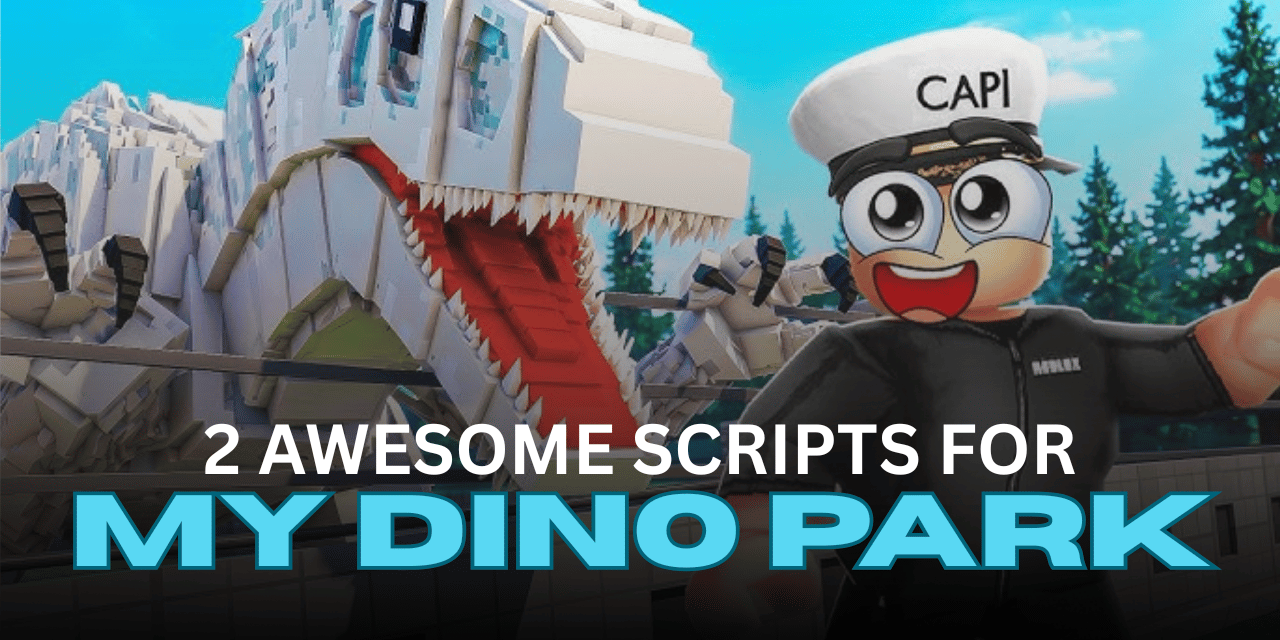

My Dino Park is a fun Roblox game where you build your own dinosaur park, hatch new dinos, expand your collection, and upgrade your park with better items. As your park grows, you need to keep opening eggs, buying new upgrades, and organizing everything, which can take a lot of time.
Roblox scripts can help automate many of these repetitive tasks. They can hatch eggs automatically, purchase new items, organize your park, and handle other actions while you focus on growing your dinosaur collection. Below are two useful Lua scripts for My Dino Park, each offering different automation features.
01. Auto Place Eggs, Auto Buy Eggs/Packs & More – No Key
This keyless Lua script is designed for players who want quick access to automation without completing a key system. It focuses on managing eggs, organizing the park layout, and handling purchases automatically, making everyday gameplay much easier.
| Feature | Details |
|---|---|
| Auto Place | Automatically places eggs |
| Auto Place All | Places every available egg |
| Organize Grid | Keeps the park layout organized |
| Auto Open Egg | Opens eggs automatically |
| Auto Buy Eggs | Purchases eggs when available |
| Auto Buy Packs | Automatically buys packs |
| Auto Buy Terrain | Purchases terrain upgrades |
| Auto Rebirth | Rebirth automation |
| Mobile Ready | Yes |
| Key Required | No |
loadstring(game:HttpGet("https://raw.githubusercontent.com/joustingmatch/Ouroboros/main/loader.lua"))()02. Script My Dino Park – Auto Hatch & Auto Buy Cards
This Lua script includes a key system and provides several automation tools for players who want to hatch dinosaurs faster and speed up park progression. It is a good option for reducing repetitive farming while continuing to unlock new content.
| Feature | Details |
|---|---|
| Auto Hatch | Automatically hatches eggs |
| More Speed | Increases gameplay speed |
| Auto Buy Eggs | Automatically purchases eggs |
| Auto Buy Cards | Automatically buys cards |
| Mobile Ready | Yes |
| Key Required | Yes |
loadstring(game:HttpGet("https://api.jnkie.com/api/v1/luascripts/public/0b6c26f70b203a8b2ae4cbb590a23701cc1e87efd71c88c246de8570d9c2a730/download"))()How to Use These Scripts
- Download and install a Roblox Lua executor that supports the game.
- Launch My Dino Park and wait until the game has fully loaded.
- Copy the Lua script you want to use.
- Paste the script into your executor.
- Execute the script and wait for the interface to appear.
- Enable the features you want, such as Auto Hatch or Auto Place.
- Test each feature one at a time to make sure everything works correctly.
- Disable any feature you no longer need while playing.
Benefits of Using Scripts in Roblox
Less Repetitive Grinding
Automates common tasks so you don’t have to repeat the same actions over and over.
Faster Park Growth
Helps buy eggs, hatch dinosaurs, and unlock upgrades more efficiently.
Better Time Management
Lets the script handle routine actions while you focus on expanding your park.
Easy Automation
Features like auto placing and auto buying reduce manual work during gameplay.
Convenient for Long Sessions
Makes extended play sessions more comfortable by handling repetitive activities automatically.
Simple to Use
Most features can be turned on or off through an easy-to-use script interface after execution.