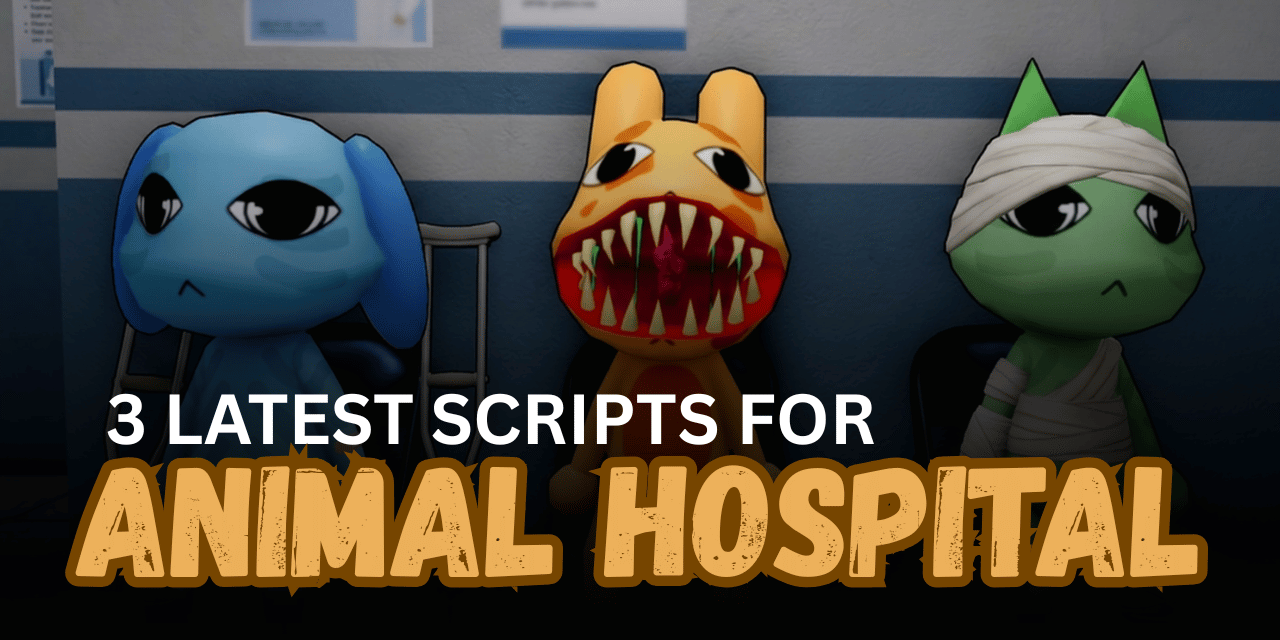

Animal Hospital is a Roblox simulation game where players diagnose illnesses, treat patients, complete hospital tasks, and deal with unexpected anomalies. As the hospital becomes busier, players must manage different rooms, medical equipment, and emergency situations while keeping patients healthy.
The scripts below offer a variety of automation and gameplay features, including Auto Patients, Infinite Sanity, No Death, ESP, Auto Emergency Rooms, and keyless script hubs. Whether you want a feature-rich automation script or a lightweight alternative, these Lua scripts provide different options for Animal Hospital players.
01. Animal Hospital Script – Infinite Sanity, Auto Patients & No Death
This Lua script is the most feature-packed option available for Animal Hospital 🧪. It automates patient care, hospital rooms, office tasks, and anomaly management while also adding player utilities such as Infinite Sanity, No Death, ESP, and movement modifiers for a smoother gameplay experience.
| Feature | Details |
|---|---|
| Auto Patients | Automatically handles supported patient treatment tasks |
| Take DNA | Collects DNA samples from supported patients |
| Give Medicine | Administers the correct medicine automatically |
| Treat Burning Patients | Extinguishes and treats burning patients |
| Custom Carry Destination | Carries patients to selected rooms or trash bins |
| Treat Anomalies | Treats and removes supported anomalies |
| Infinite Sanity | Prevents sanity from decreasing |
| Remove Monsters | Removes selected monsters and hazards |
| ESP | Displays patients and anomalies more easily |
| Walk Speed Modifier | Adjusts character movement speed |
| Camera Modifier | Changes camera settings |
| No Clip | Allows movement through supported objects |
| Keyless Access | Does not require a key system |
| Mobile Support | Listed as compatible with mobile devices |
Supported Executors: Volt, Potassium, Wave, Delta, Codex, OpiumWare, Real, Synapse Z, and Seliware.
loadstring(game:HttpGet("https://raw.githubusercontent.com/SteWasHere/Hub/refs/heads/main/loader.lua"))()02. BEST SCRIPT – No Key & New Update
This keyless Lua script is designed for players who want a simple loader that supports the latest Animal Hospital update. The listing promotes it as a free script with quick setup and compatibility across multiple executors.
| Feature | Details |
|---|---|
| New Update Support | Built for the latest Animal Hospital version |
| General Gameplay Tools | Includes multiple in-game utilities |
| Simple Loader | Loads using a single Lua command |
| Keyless | No verification key required |
| Mobile Compatible | Listed as supporting mobile devices |
| Easy Execution | Quick setup through supported executors |
| Beginner Friendly | Simple loading process |
Supported Executors: Volt, Wave, Delta, and Codex.
loadstring(game:HttpGet("https://raw.githubusercontent.com/LynX99-9/komtolmmek2script/refs/heads/main/CyraaHub.lua", true))()03. Typical Animal Hospital Script – Keyless Loader
This Lua script is a lightweight loader for Animal Hospital. Although development has been discontinued, it remains available as an alternative script for players who want to test a simple keyless menu.
| Feature | Details |
|---|---|
| Animal Hospital Support | Designed for the Roblox hospital game |
| Script Loader | Starts with a single Lua command |
| Keyless Access | Does not require a key system |
| Simple Setup | Easy to execute |
| Alternative Hub | Offers another script option |
| Development Status | Discontinued |
| Mobile Support | Listed as compatible with mobile devices |
Supported Executors: Volt, Potassium, Wave, Delta, Codex, OpiumWare, Real, Synapse Z, and Seliware.
loadstring(game:HttpGet("https://raw.githubusercontent.com/steadyrinetintin3/unnamedscript/refs/heads/main/loader"))()How to Use These Scripts
- Open Roblox and launch Animal Hospital.
- Wait until the game finishes loading and your character has fully spawned.
- Open a compatible Roblox Lua executor.
- Copy the complete Lua code from the script you want to use.
- Paste the script into the executor’s editor.
- Attach or inject the executor following its normal process.
- Execute the script and wait for the menu to appear.
- Enable features one at a time to confirm everything is working correctly.
- Test automation features such as Auto Patients before enabling additional options.
- Use movement features like No Clip or Walk Speed carefully to avoid unexpected issues.
- If a script stops working after a game update, wait for an updated version or rejoin the server and try again.
Benefits of Using Scripts in Roblox
Faster Patient Treatment
Automation features help complete medical tasks more quickly, reducing the need to repeat the same actions.
Improved Hospital Management
Auto room handling and office features make it easier to manage different areas of the hospital.
Better Survival Support
Infinite Sanity and No Death help players stay active during longer gameplay sessions.
Quicker Anomaly Handling
Automatic detection and treatment tools make dealing with anomalies much more efficient.
Enhanced Player Movement
Walk Speed adjustments and No Clip provide smoother navigation around the hospital.
Helpful ESP Features
ESP makes it easier to locate patients, anomalies, and other important targets during gameplay.
Less Repetitive Gameplay
Automation reduces manual grinding, allowing players to focus on exploring and completing hospital objectives.
Easy Keyless Access
All three scripts are listed as keyless, allowing players to load them without completing an additional verification process.