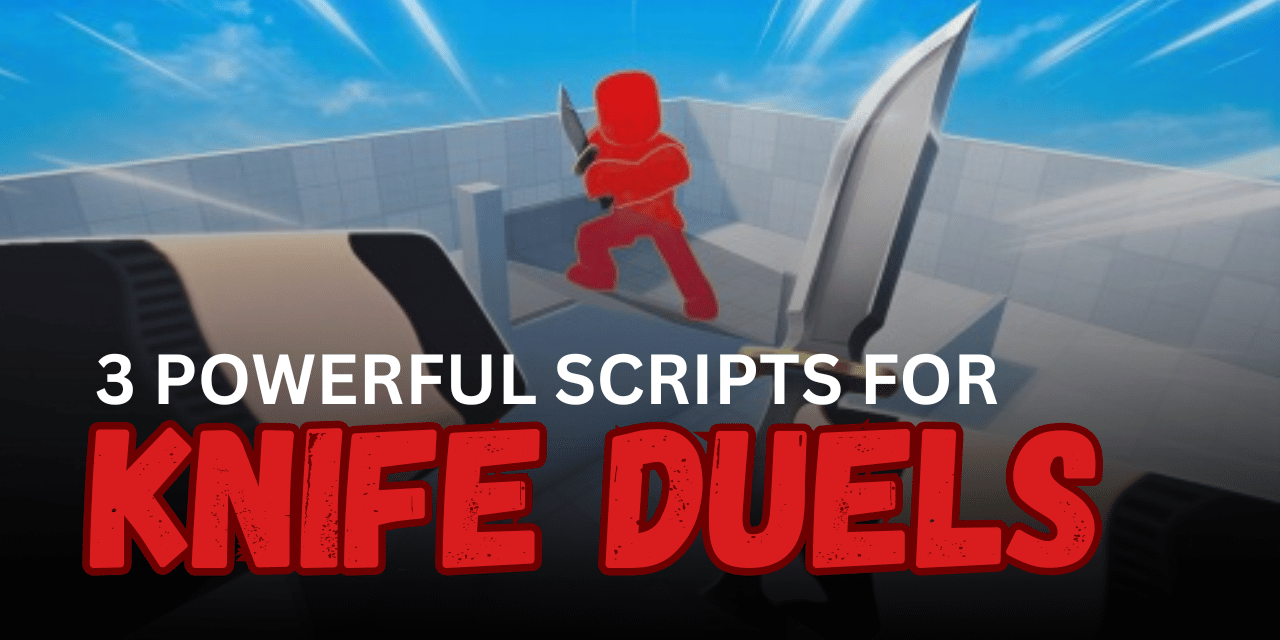

KNIFE DUELS is a fast combat Roblox game where players throw knives, avoid attacks, and try to defeat opponents before getting eliminated. Accurate throws, quick movement, and good timing are important during every match. Lua scripts can add aiming tools, movement settings, visual upgrades, and other combat features. Below are three KNIFE DUELS scripts with different options for Silent Aim, Aimbot, One Shot, and character movement.
01. One Shot, Aimbot, Silent Aim & RTX Graphics
This feature-packed script combines combat assistance with movement and visual tools. It includes One Shot, Aimbot, Silent Aim, Fly, Noclip, and a bypassed WalkSpeed option. Players can also enable enhanced RTX-style graphics for a more detailed visual experience.
| Script Feature | What It Does |
|---|---|
| One Shot | Helps defeat targets with one successful attack |
| Aimbot | Aims toward selected opponents |
| Silent Aim | Redirects attacks without moving the camera |
| Noclip | Allows movement through certain obstacles |
| Fly | Enables free movement through the air |
| WalkSpeed Bypass | Provides faster character movement |
| RTX Graphics | Improves lighting and visual effects |
| Extra Tools | Includes more options inside the menu |
| Key System | Requires a key for activation |
loadstring(game:HttpGet("https://raw.githubusercontent.com/mansoryshensedu-alt/vcx/refs/heads/main/ONESHOT"))()

KEY ----> KNIFEFCKERSHAMANCODE
02. Silent Aim Open Source – Knife Throw Redirection
This keyless and open-source script focuses on Silent Aim for thrown knives. It searches for the closest valid opponent inside the selected FOV and redirects the knife toward the chosen body part. The settings at the top of the code allow users to change the target part, aiming range, and enabled status.
| Main Option | Simple Description |
| Knife Silent Aim | Redirects thrown knives toward a target |
| Closest Target | Selects the nearest player inside the FOV |
| Head Targeting | Uses the head as the default hit part |
| Adjustable FOV | Changes the target detection range |
| Enable Toggle | Turns Silent Aim on or off |
| Open Source | Full code can be viewed and edited |
| Keyless | Does not require an activation key |
| PC Design | Created for PC and not confirmed for mobile |
getgenv().KnifeConfig = {
  Enabled = true,
  HitPart = "Head",
  FOV = 450
}

local phem1 = game:GetService("Players")
local phem2 = game:GetService("Workspace")
local phem3 = phem1.LocalPlayer
local phem4 = phem2.CurrentCamera
local phem5 = require(phem3.PlayerScripts:WaitForChild("Controllers"):WaitForChild("Combat"):WaitForChild("KnifeController"))

local function phem6()
  local phem7 = nil
  local phem8 = getgenv().KnifeConfig.FOV
  local phem9 = phem4.ViewportSize / 2
  for phem20, phem10 in phem1:GetPlayers() do
    if phem10 ~= phem3 and phem10.Character and phem10.Character:FindFirstChild("Humanoid") and phem10.Character.Humanoid.Health > 0 then
      local phem11 = phem10.Character:FindFirstChild(getgenv().KnifeConfig.HitPart)
      if phem11 then
        local phem12, phem13 = phem4:WorldToViewportPoint(phem11.Position)
        if phem13 then
          local phem14 = (Vector2.new(phem12.X, phem12.Y) - phem9).Magnitude
          if phem14 < phem8 then
            phem7 = phem10
            phem8 = phem14
          end
        end
      end
    end
  end
  return phem7
end

local phem15 = phem5._GetThrowDirection
phem5._GetThrowDirection = function(phem16, phem17)
  if getgenv().KnifeConfig.Enabled then
    local phem18 = phem6()
    if phem18 and phem18.Character then
      local phem19 = phem18.Character:FindFirstChild(getgenv().KnifeConfig.HitPart)
      if phem19 then
        return (phem19.Position - phem17.Position).Unit
      end
    end
  end
  return phem15(phem16, phem17)
end
03. KNIFE DUELS Keyless Menu
This mobile-ready script provides a lightweight and keyless menu for KNIFE DUELS. The current version has a smaller number of tools, but it is designed as a growing hub that may receive more combat options in future updates.
| Menu Detail | Description |
| Keyless Access | Opens without a key process |
| Game Menu | Provides a dedicated KNIFE DUELS interface |
| Lightweight Design | Uses a small loader with simple setup |
| Mobile Ready | Supports compatible mobile executors |
| Planned Wallbang | Listed as a feature being developed |
| Planned Triggerbot | May be included in a later update |
| Broad Executor Support | Tested with several common executors |
loadstring(game:HttpGet('https://raw.githubusercontent.com/imshrak/knifeduels/refs/heads/main/menu'))()How to Use These Scripts
- Open Roblox and join KNIFE DUELS.
- Wait for your character and the current match area to load.
- Launch a compatible Roblox Lua executor.
- Copy the complete code of the script you want to use.
- Paste it into the executor’s script editor.
- Complete the key process when the selected script requires one.
- Execute the code and wait for its menu or functions to load.
- Adjust settings such as FOV, hit part, speed, or aiming features carefully.
- Test one combat option at a time to avoid conflicts between Aimbot and Silent Aim.
- Rejoin the server and run the script again if the interface does not appear.
Benefits of Using Scripts in Roblox
More Consistent Knife Throws
Silent Aim and targeting tools can redirect throws toward nearby opponents, reducing the difficulty of lining up every attack manually.
Better Target Detection
Adjustable FOV settings help control which players can be selected, making the aiming system easier to match with different playstyles.
Faster Combat Actions
One Shot and Aimbot features can make battles move more quickly by reducing repeated aiming and attack attempts.
Flexible Movement Control
Fly, Noclip, and WalkSpeed options provide additional ways to move around the map and reposition during matches.
Easy Script Customization
Open-source settings allow players to change the targeted body part, detection range, and enabled status directly in the Lua code.
Simple Menu Access
Keyless scripts remove the need to complete an activation process, allowing the menu to load with fewer setup steps.
Improved Visual Experience
Graphics tools can enhance lighting and map appearance, making the game look more detailed during combat.