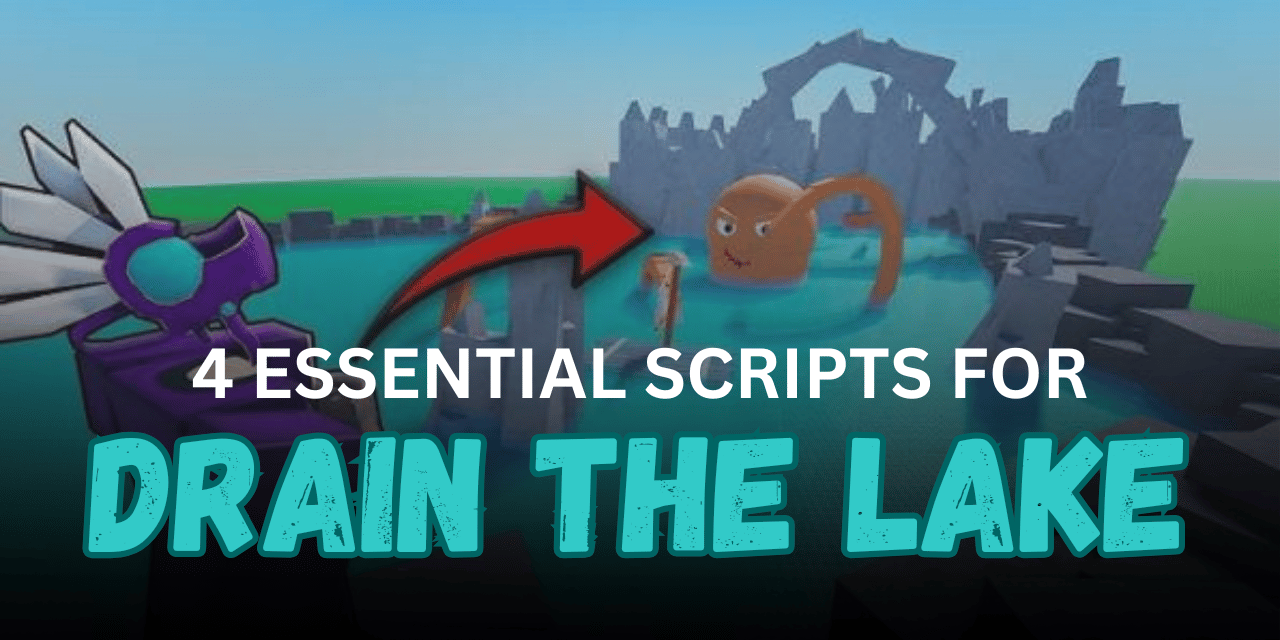

Drain The Lake is a fun Roblox game where players work together to remove water, collect rewards, unlock upgrades, and improve their equipment. As you keep draining the lake, you earn tokens, open chests, and unlock better abilities to speed up your progress.
Many players use Roblox Lua scripts to automate repetitive tasks such as filling buckets, pouring water, collecting tokens, and opening chests. These scripts can make grinding much easier by handling routine actions automatically, allowing players to focus on enjoying the game.
01. Drain The Lake | AuroraHUB – Unlocked ALL
AuroraHUB is a complete automation script for Drain The Lake. It offers many useful features that help players drain water faster, collect rewards automatically, upgrade skills, and improve survival while swimming. It is also mobile-friendly, making it convenient for many players.
Script Features
| Feature | Description |
|---|---|
| Auto Fill Bucket | Continuously fills buckets automatically |
| Auto Pour Bucket | Pours water at nearby drains |
| Auto Claim Tokens | Collects nearby drain tokens |
| Auto Upgrade Skills | Buys the cheapest available upgrades |
| Auto Claim All Chests | Opens every chest on the map |
| Infinite Stamina | Prevents drowning and shark damage |
| Hide Token Models | Removes token models for cleaner visuals |
| Mobile Ready | Supports mobile devices |
loadstring(game:HttpGet("https://api.jnkie.com/api/v1/luascripts/public/3f30dbb4deb7f9bf8e6a0120fe7e42a587898b890d66e6475bffd6a8c2b33c8d/download"))()02. Chud Hub – Auto Drain, Auto Collect & Chest Automation
Chud Hub is a keyless automation script that focuses on making nearly every repetitive task automatic. It includes bucket draining, reward collection, and chest farming, helping players progress with very little manual effort.
Script Highlights
| Function | Purpose |
|---|---|
| Auto Drain | Automatically drains water |
| Auto Collect | Picks up rewards automatically |
| Auto Collect Chests | Opens available treasure chests |
| Full Automation | Handles multiple grinding tasks |
| Keyless Access | No separate key system required |
ScriptKey = "syscure-xKWthWUmUCEJPXjAa8CK0VQAmAKmAll9"
loadstring(game:HttpGet("https://auth.syscure.vip/loader/c104879a6818f6ed9297bb85.lua"))()
03. Drain The Lake NO KEY Script – Auto Drain & Auto Upgrade
This no-key script is designed for players who want a simple setup. It automates the most important gameplay actions like draining water, collecting rewards, and upgrading your progress without requiring extra activation steps.
Main Features
| Feature | Details |
|---|---|
| Auto Drain | Automatically drains the lake |
| Auto Upgrade | Purchases available upgrades |
| Auto Collect | Collects rewards during gameplay |
| No Key | Ready to use without key verification |
loadstring(game:HttpGet("https://raw.githubusercontent.com/lavakin404-debug/Wonder-Hub-/refs/heads/main/MainLoader.lua"))()04. Script Drain The Lake – Mobile Compatible
This lightweight Drain The Lake script is a simple option for players who mainly play on mobile devices. It offers an easy loader and is suitable for users looking for a straightforward script experience.
Features Overview
| Feature | Description |
|---|---|
| Mobile Ready | Designed to work on mobile |
| Simple Loader | Quick script execution |
| Easy to Use | Beginner-friendly setup |
| Lua Script | Compatible with supported executors |
loadstring(game:HttpGet("https://raw.githubusercontent.com/AlissonTheGreat/myscripts/refs/heads/main/script_drain_the_lake.lua"))()How to Use These Scripts
- Download and install a Roblox Lua executor that supports the script you want to use.
- Launch Roblox and join Drain The Lake.
- Open your executor after entering the game.
- Copy one of the Lua scripts above.
- Paste the script into the executor.
- Press the Execute button to load the script.
- Wait for the script interface to appear.
- Enable the features you want, such as Auto Drain or Auto Collect.
- Test the selected options to make sure they work correctly.
- Disable any features you no longer need before leaving the game.
Benefits of Using Scripts in Roblox
Faster Progression
Scripts help automate repetitive tasks, allowing players to earn rewards, complete objectives, and unlock new content much faster than playing everything manually.
Less Repetitive Grinding
Many Roblox games require players to repeat the same actions for long periods. Scripts can handle these routine tasks automatically, making gameplay feel less tiring.
Better Resource Collection
Features like Auto Collect and Auto Farm make it easier to gather coins, tokens, items, or other rewards without constantly searching or clicking.
More Efficient Upgrades
Some scripts automatically spend collected resources on upgrades, helping players improve their characters or equipment quickly and use their rewards more effectively.
Saves Time During Long Sessions
Automation allows players to continue making progress while spending less time performing simple tasks over and over, making long gaming sessions more productive.
Improved Overall Gameplay Experience
By reducing manual work, scripts let players focus more on exploring the game, trying new features, and enjoying different parts of the gameplay instead of repetitive farming.
Helpful for Mobile and PC Players
Many modern scripts are designed to work with supported executors on both mobile devices and PCs, giving players flexibility regardless of the platform they use.